
If you are a caseworker for contracts, you can read about how to process time sheets from hourly employees here.
As a caseworker for contracts, you will find submitted time sheets from hourly employees in "New inbox" in the self-service portal.

To process a selected form, click "Open task" to the bottom right.

The time sheet will open in a new window. To cancel the processing, click "Cancel" button to the bottom right of the page. Click "Display contract" to view a copy of the contract. To approve the form, click the "Approve" button.

Click "Approve" again in the confirmation box that appears. The form will then be posted in SAP and paid out in the next payroll run according to DFØ's schedule. Since the financial framework has already been approved by the manager with budget allocation authority during the contract agreement, this form does not require further approval.

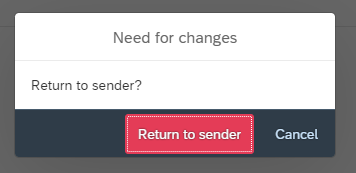
As a caseworker, you cannot make changes to the form if there are errors. If the form contains errors, you must return it to the employee for correction. To return the form to the employee, click "Return". Click "Return to Sender" in the confirmation box. You must write a comment before returning the form.
Contact
Do you have questions about the content of this page?
Contact our customer service centre
- lonn [at] dfo.no (lonn[at]dfo[dot]no)
- (+47) 40 63 40 21